Agents Propose. People Decide.
Agents read, score and draft. People make the calls. Here is how one change gets from an agent’s draft to your CRM.
From Draft to Done, in Four Steps.
-
Agents Work in the Data
Agents read your customers, deals, campaigns and records through MCP tools. Reading and drafting change nothing outside Konsil.
-
They Propose a Change
A proposal shows the exact change and the reason for it. You can judge it in seconds.
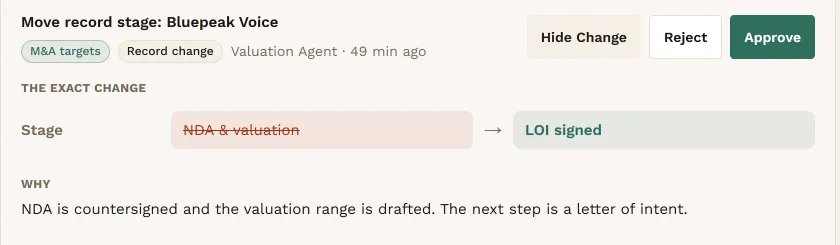
A proposal: the exact change, and why.View full screen -
A Person Decides
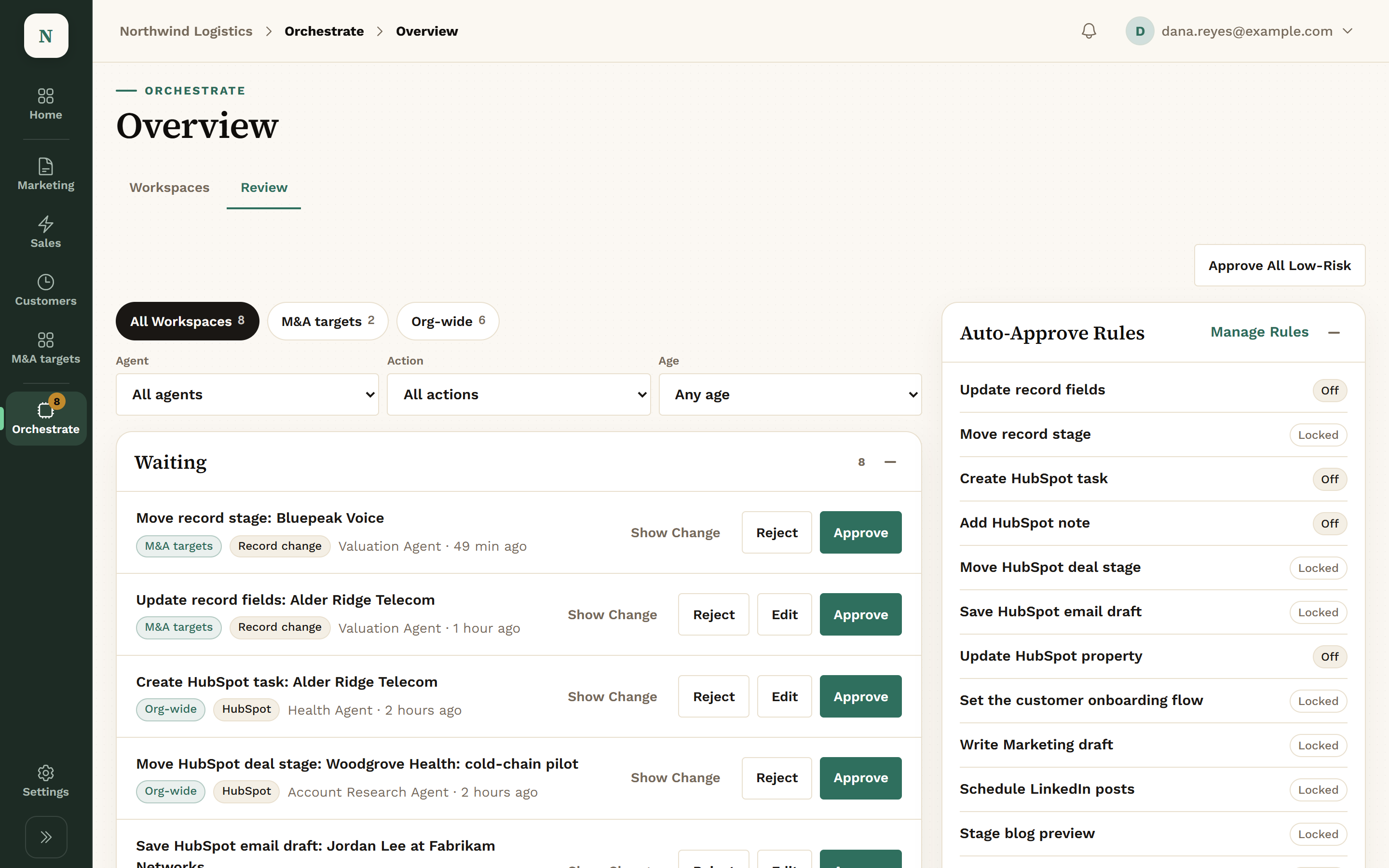
It lands in the Review queue. Approve it, edit it first, or reject it.
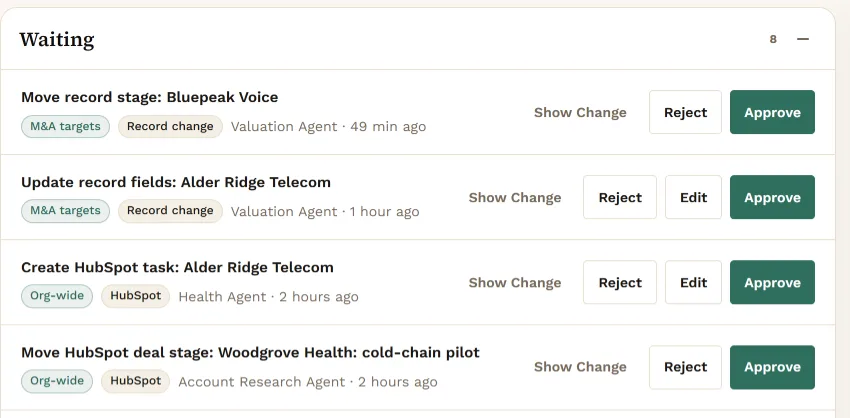
The Review queue.View full screen -
Then It Goes Out
Once a person approves, Konsil sends the email, publishes the post or writes the change to your CRM.
What Always Waits for a Person.
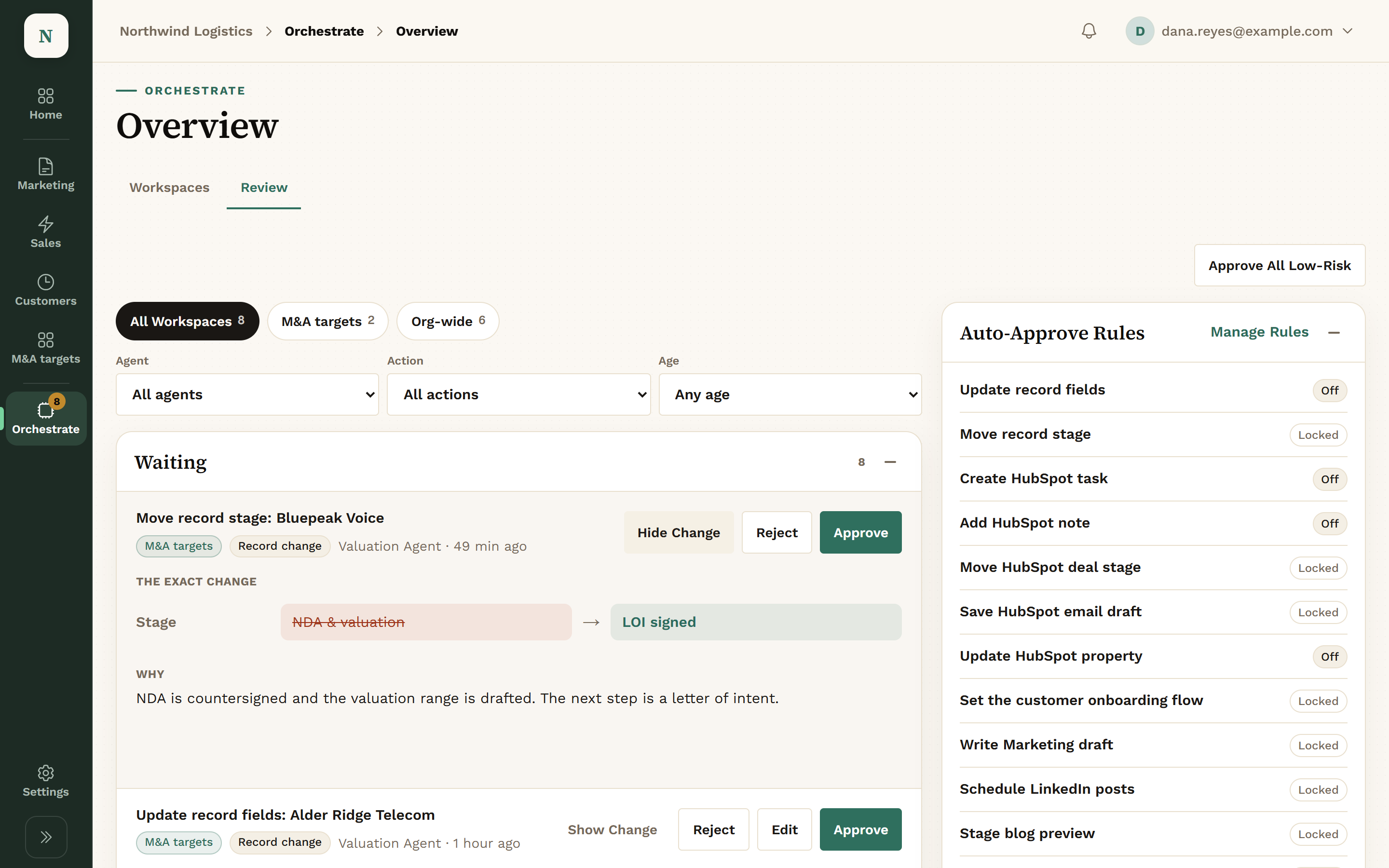
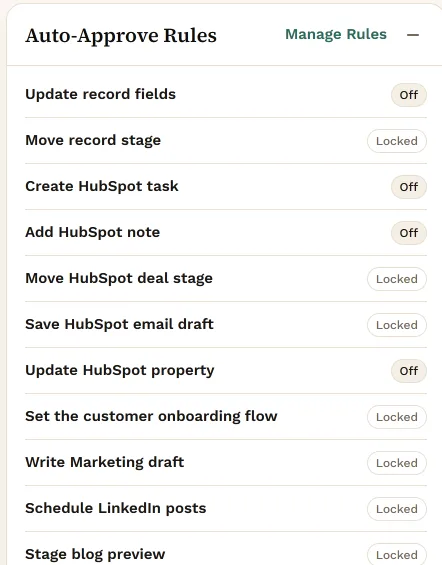
Client emails, published posts and deal stage moves are locked. They always wait for a person, and no setting turns that off.
A few low-risk changes can be set to auto-approve: a HubSpot task, a HubSpot note, a HubSpot property, and Konsil’s own record fields. Each is off until you turn it on.
Workspaces for the Rest of the Business.
Your business isn’t only four departments. A Workspace is an area only your company has, next to Sales and Marketing. The example here holds M&A targets.
- Records you defineYour own record types, fields and stages. Board or table view.
- Stages and ownersEach record moves through your stages and has an owner. Its stage history is kept.
- Who can see itOpen to the whole company, or only to people you add.
- A playbook the agents readWrite down how this part of the business works. Agents read it before they act.
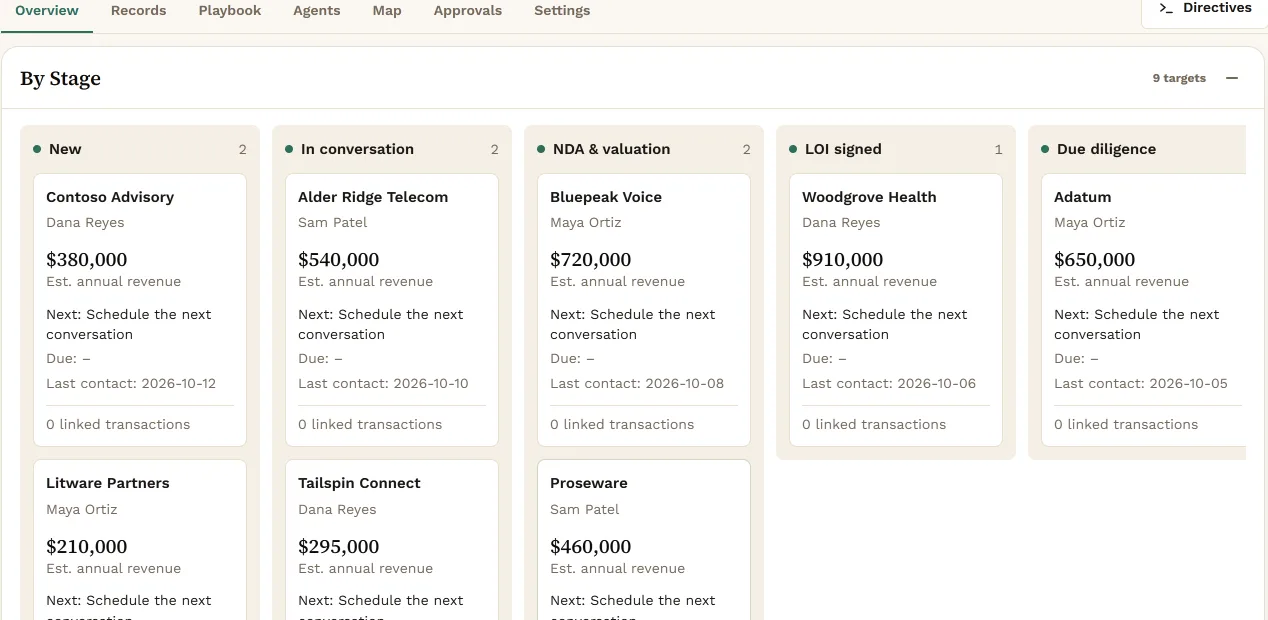
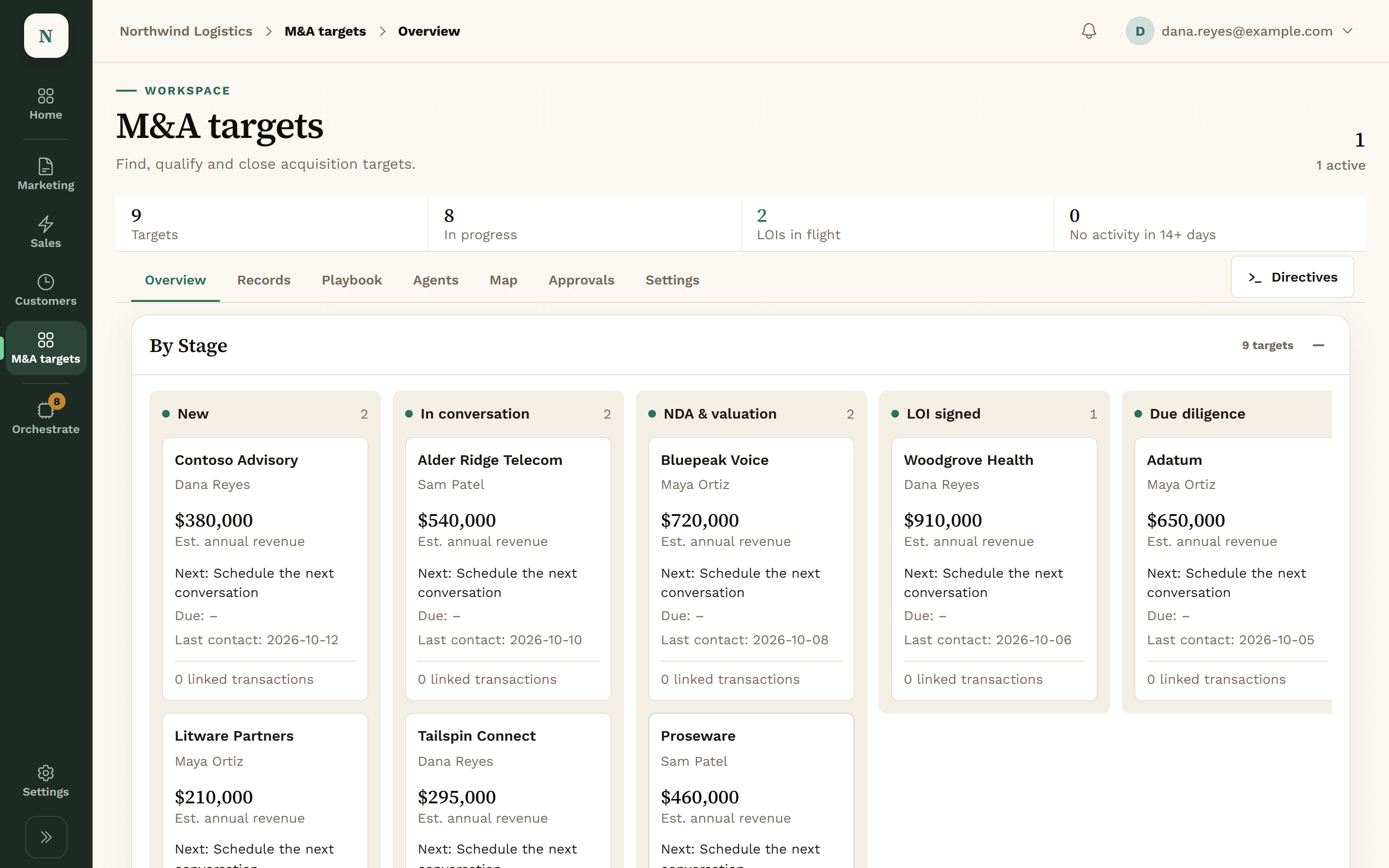
Agents in a Workspace propose field updates and stage moves. Every one waits in the Workspace’s Approvals tab.
Your Data Stays Yours.
- Agents propose, and a person approves anything that leaves the building.
- Your data is never used to train models.
We Set It Up With You.
We set up every company by hand, with you. We connect HubSpot and your other tools, load what we know about your business, and you confirm it before any agent acts. Today the CRM connection is HubSpot.
It Works With What You Already Run.
Your CRM stays the system of record. Konsil reads from your tools and proposes changes into them.
- HubSpot
- Google Analytics 4
- Instantly
- HeyReach
- Slack or Microsoft Teams
- OneDrive, SharePoint or Google Drive
- Granola
- Your own Claude, over MCP
Get Early Access.
We set up each company by hand, so places open a few at a time.