Calls Filed in the Right Place
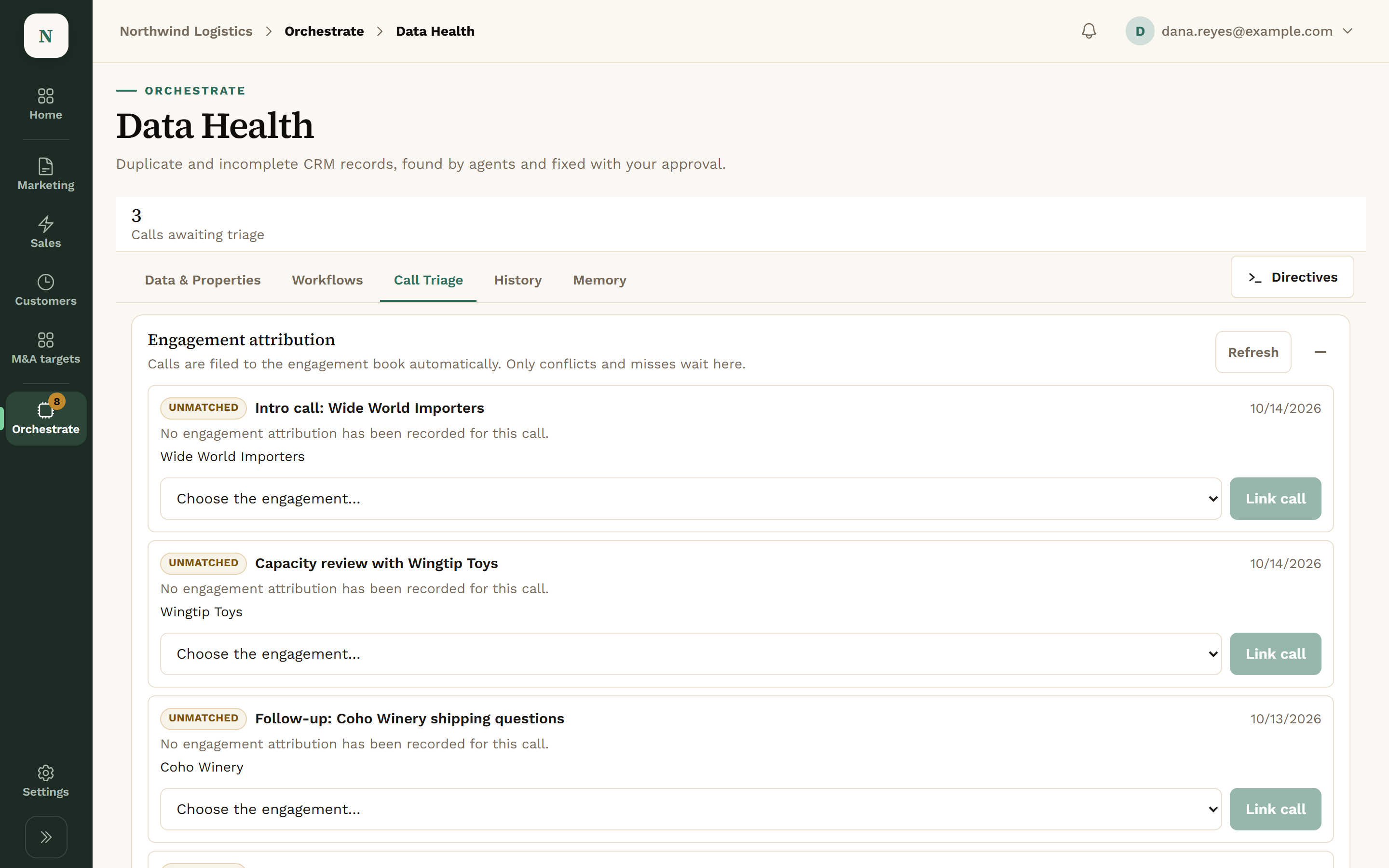
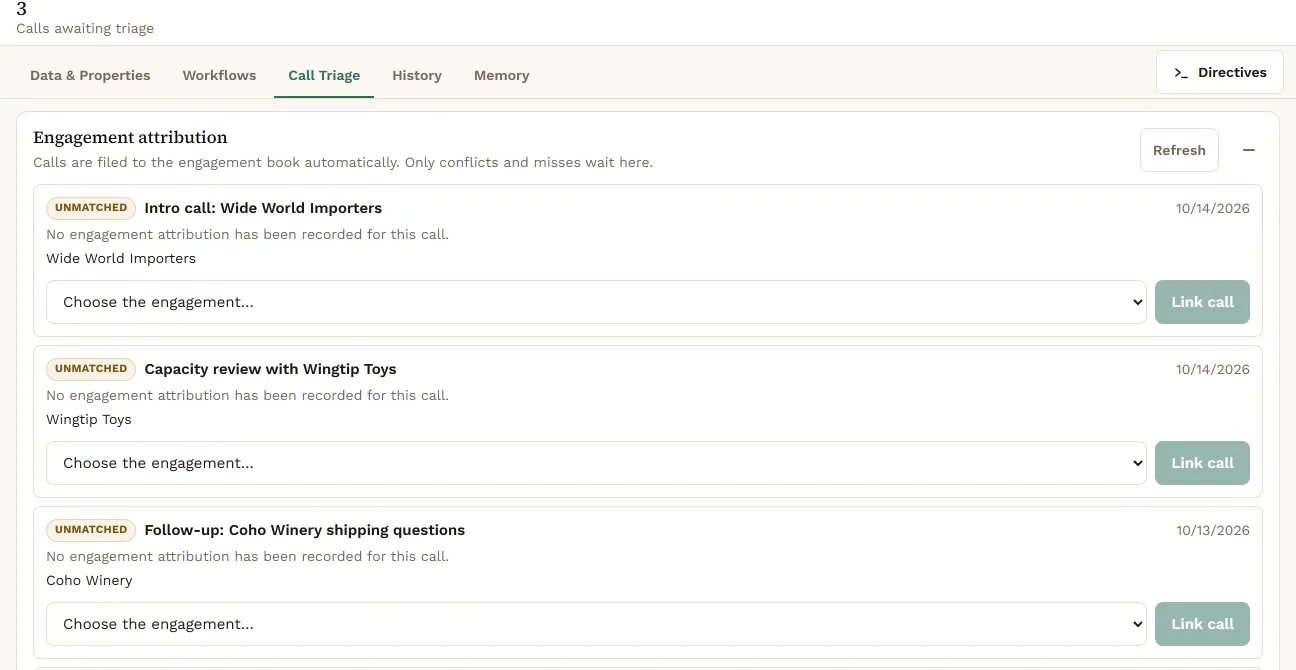
Call Triage matches each call to the right company, so notes don’t land on the wrong record.
- Calls matched to companies
- Unmatched calls set aside for a person
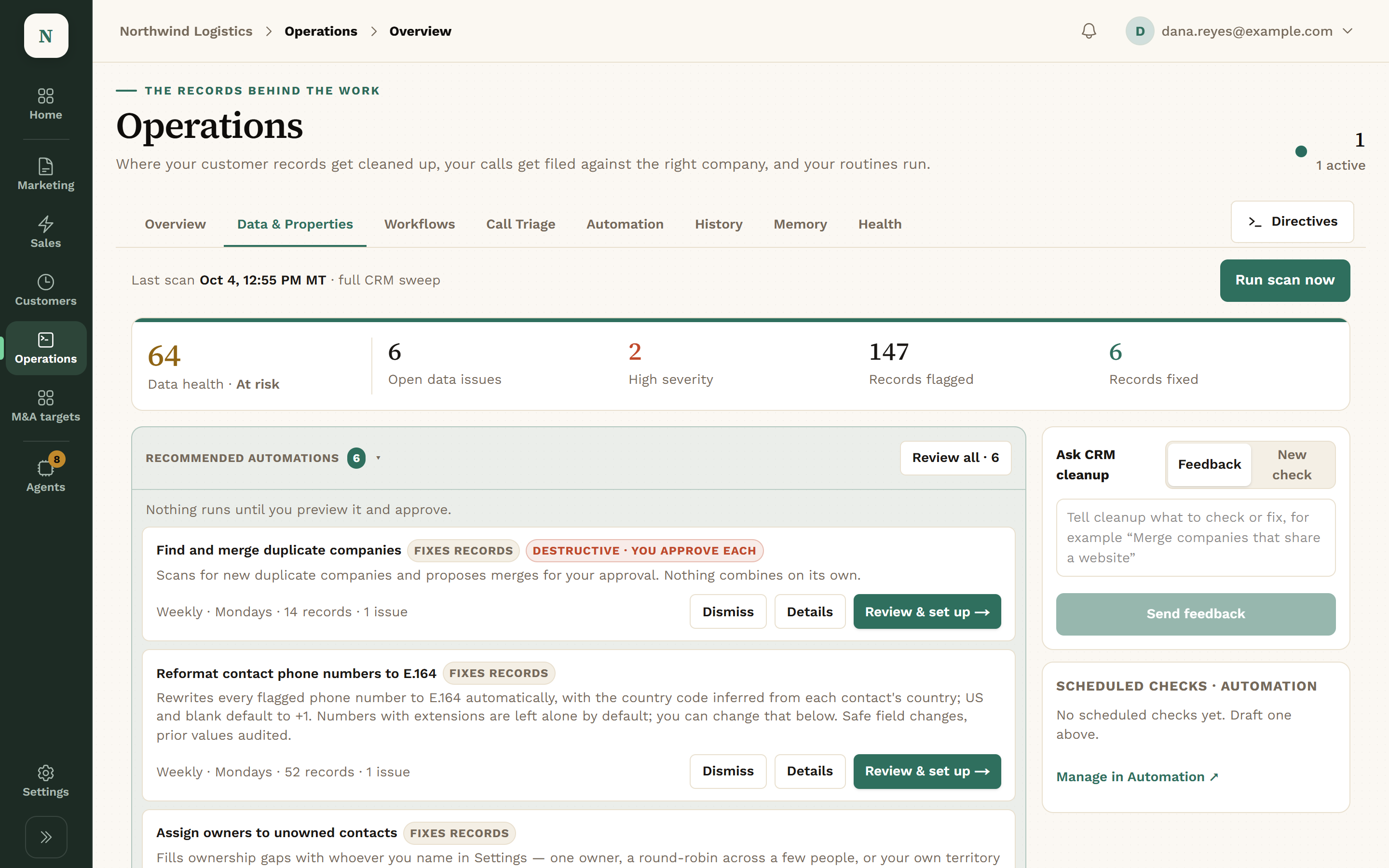
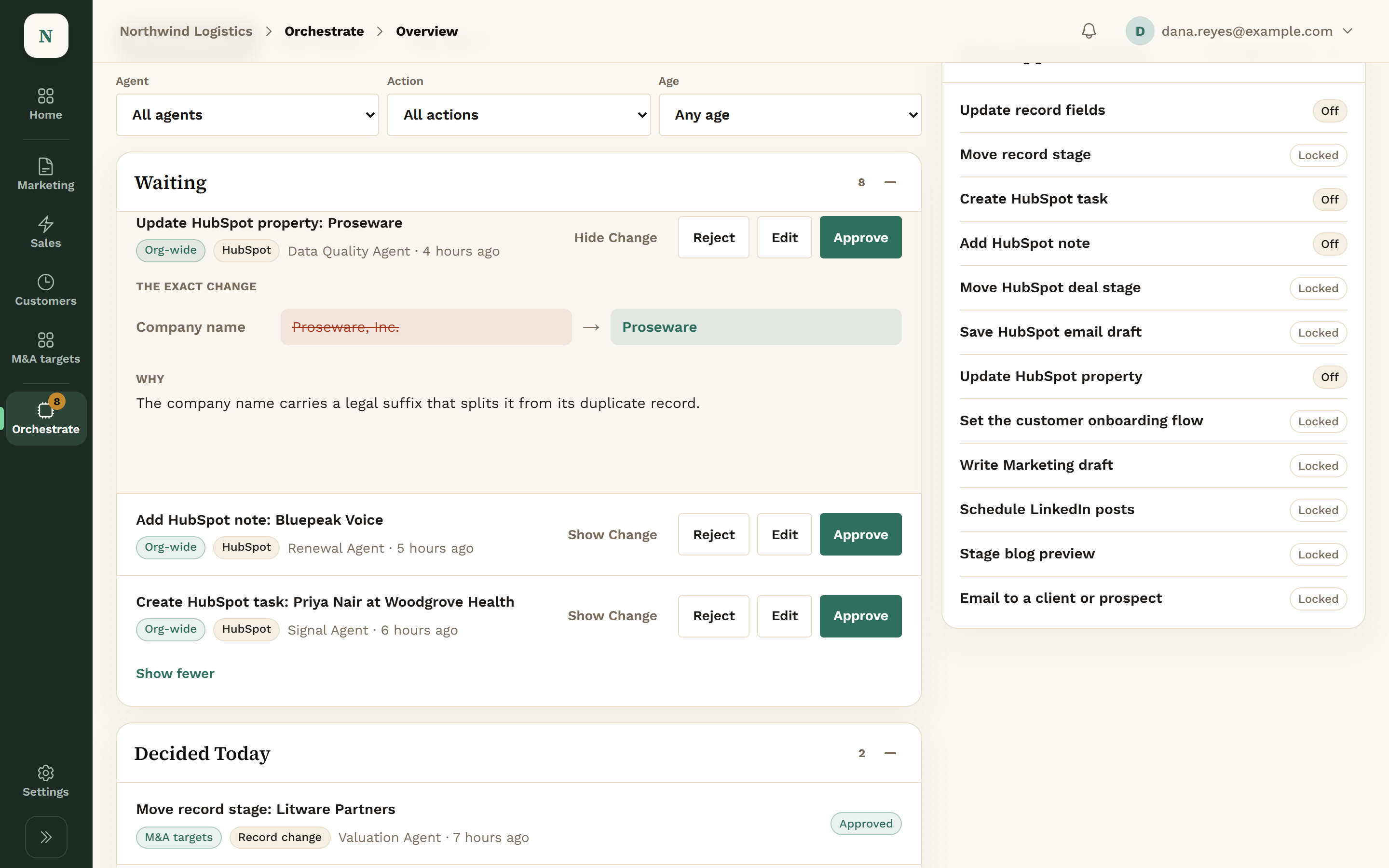
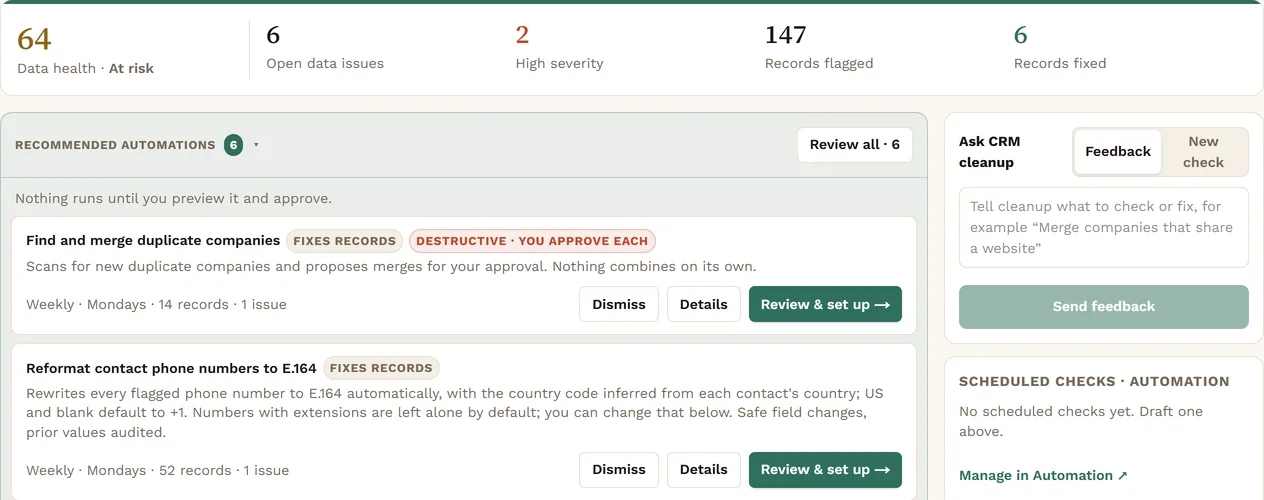
Agents sweep HubSpot for duplicates, gaps and badly formatted fields. Each fix shows the old value, the new one and the reason. You approve the change.
A sweep scores your data health and lists the open issues by severity: duplicates, missing owners, bad formats.
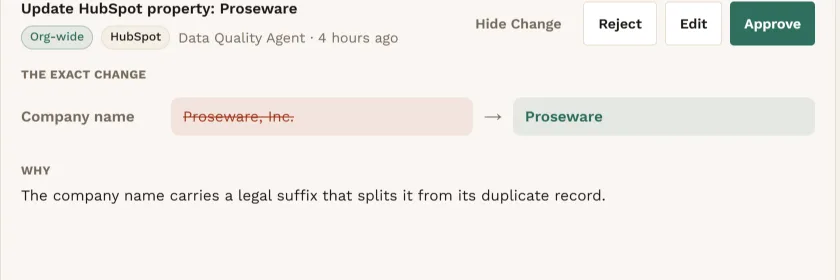
Each fix shows the old value, the new one and the reason. Approve it, Edit it first, or Reject it.
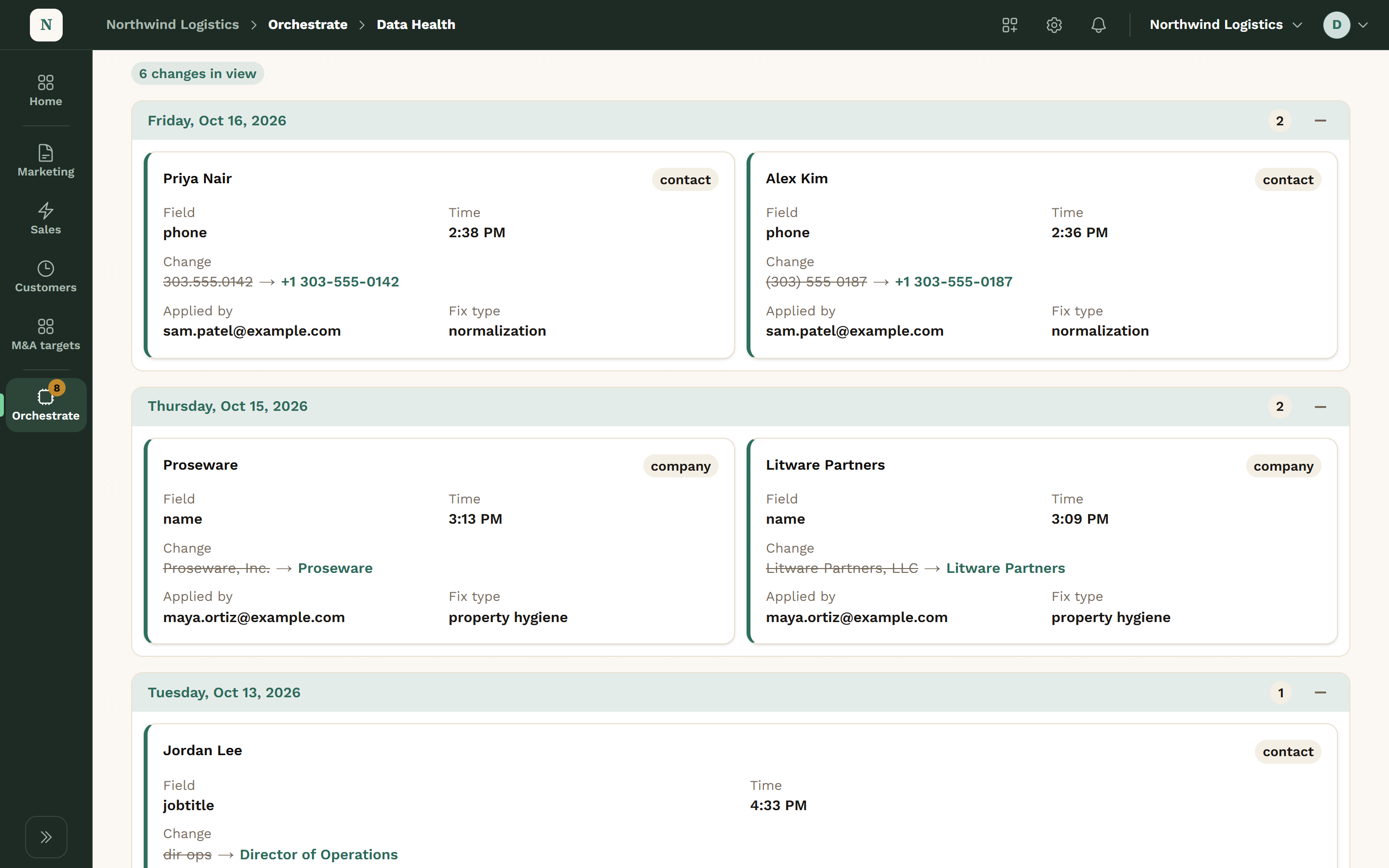
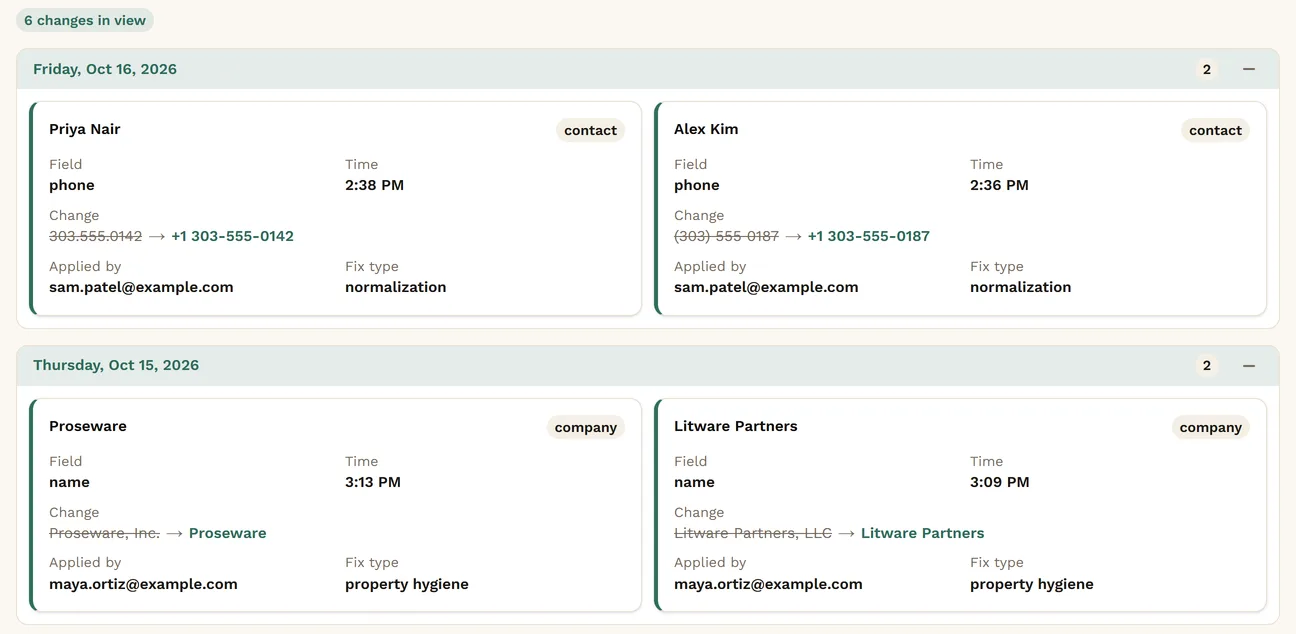
Approved changes are written to HubSpot and listed in History, so you can see exactly what changed.
Operations has Health and Automations, plus Data Health, Call Triage and History.
Call Triage matches each call to the right company, so notes don’t land on the wrong record.
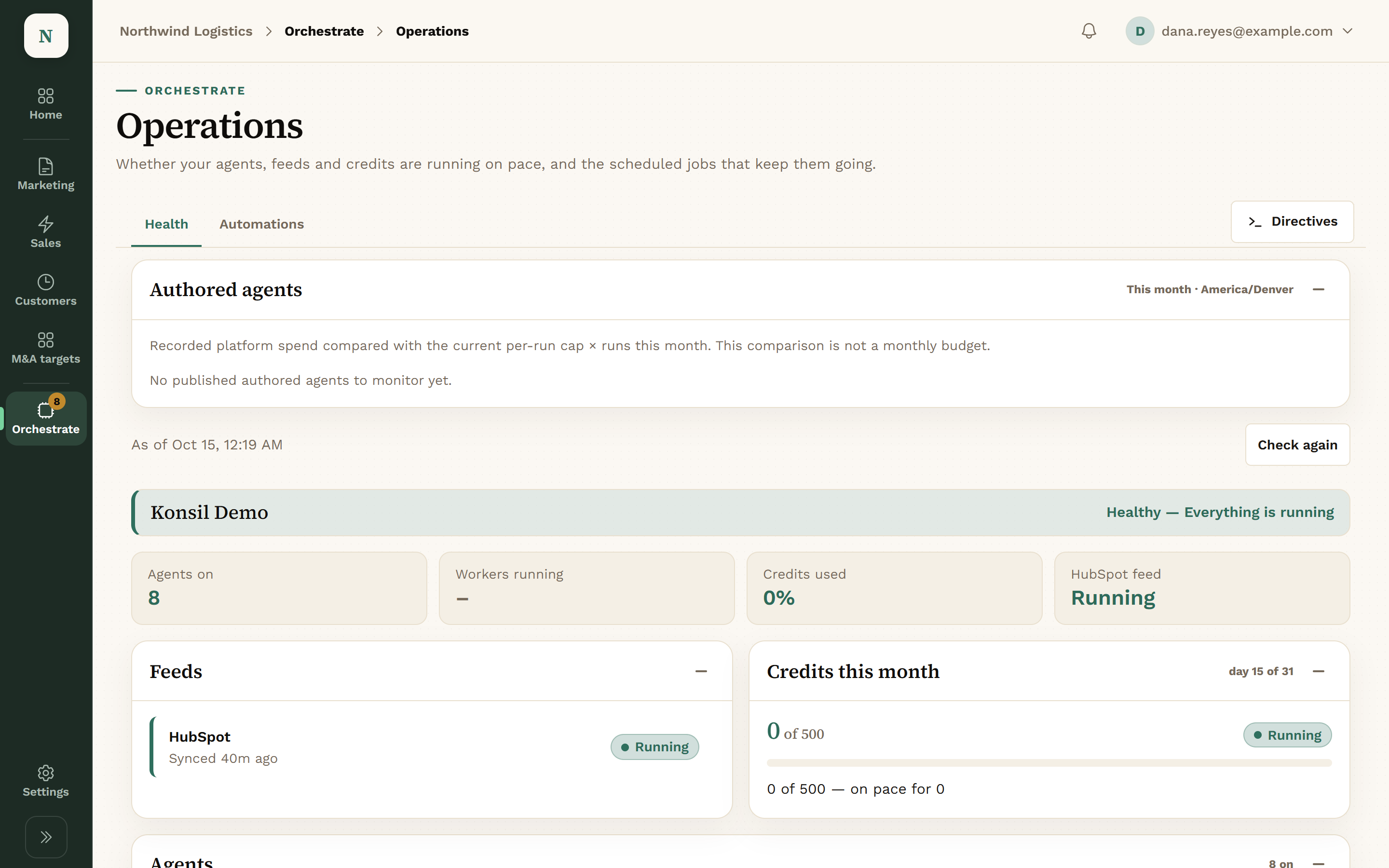
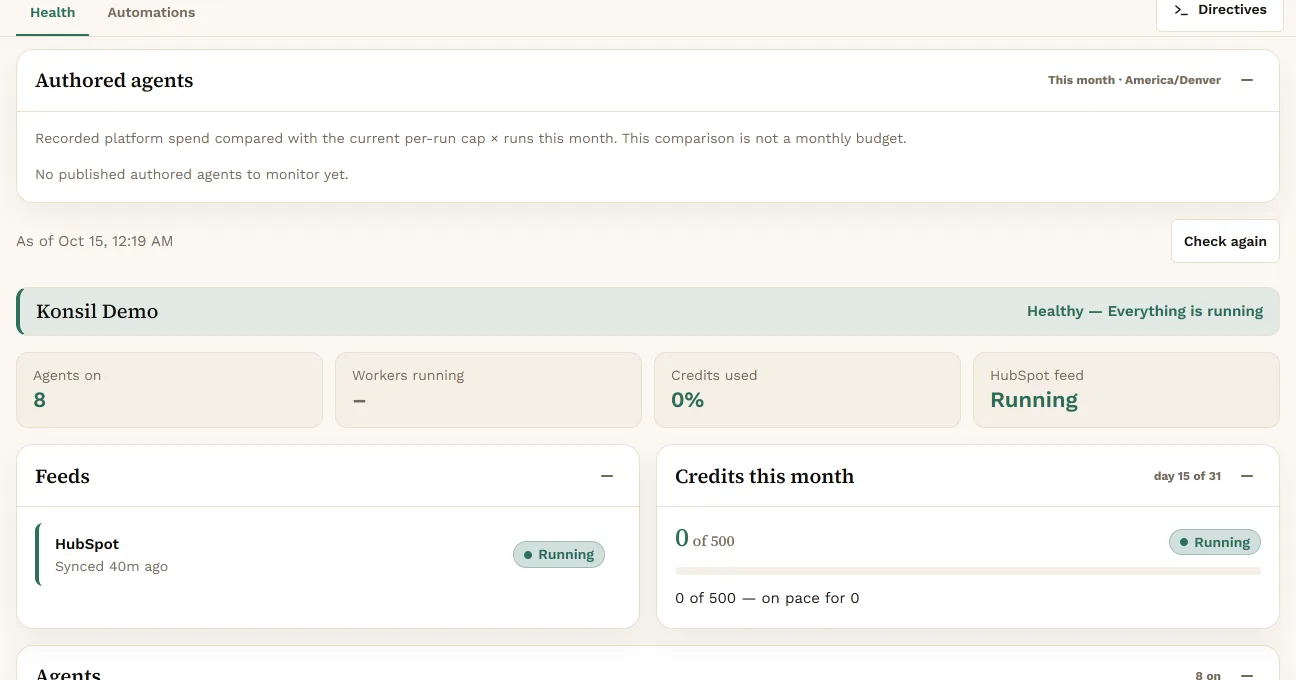
The Health tab shows which agents ran, which stalled, and any open process alerts.
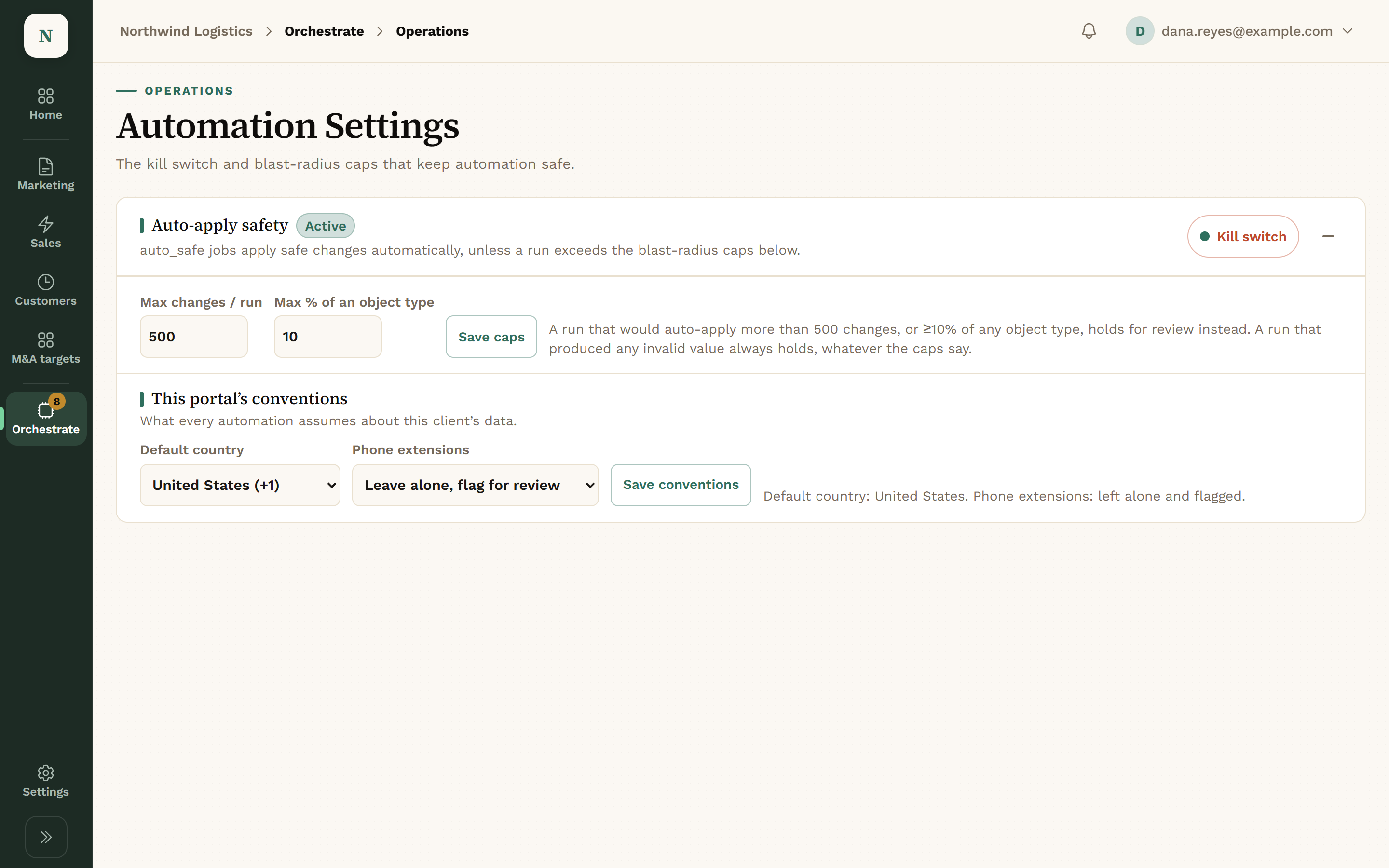
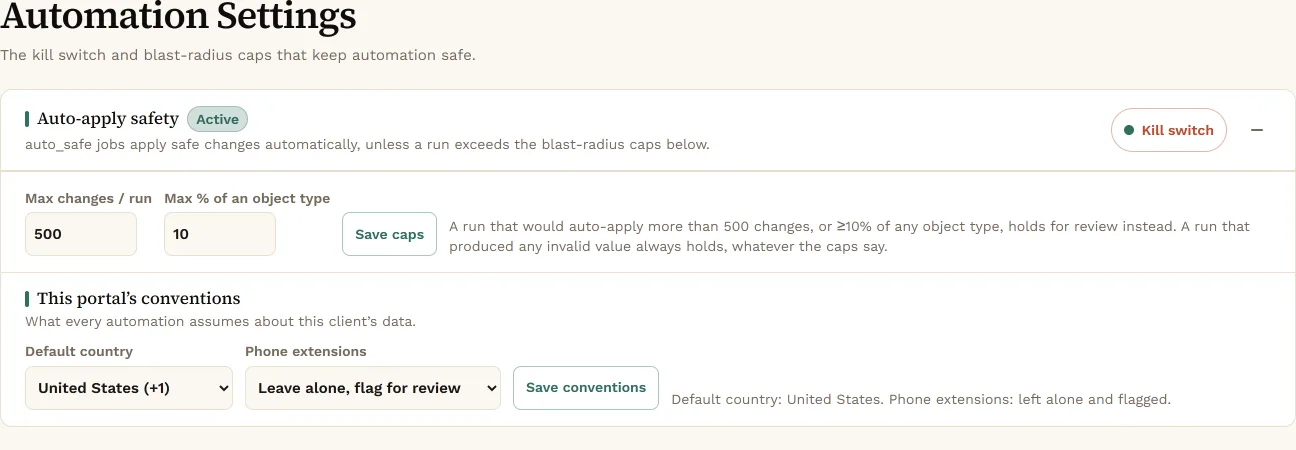
Automation Settings hold the kill switch and the caps on how many records a job may touch.
Check Health for anything that didn’t run.
Overnight scans looked for duplicates, missing owners and bad formats.
Review proposed fixes. Approve, Edit or Reject.
Each finding came with a proposed change and a reason.
Triage calls that didn’t match a company.
Calls were matched to companies. The unmatched ones were set aside for you.
Check History to see what changed.
Approved changes were written to HubSpot and checked afterwards.
Problems in your CRM data, ranked by severity.
FieldsScans and fixes that run on your data.
FieldsAgents look. Nothing changes.
Agents draft. It waits in the Review queue.
None of this happens without Approve.
Opt-in only: a job set to apply safe fixes makes non-destructive changes without a click. Every job starts set to propose, and merges and deletes always wait for a person.
Product names belong to their owners. Konsil is not affiliated with or endorsed by them.
No. Merges and deletes always wait for a person.
Yes. Automation Settings has a kill switch.
HubSpot today.
No bigger than the caps you set in Automation Settings.
We set up each company by hand, so places open a few at a time.