Product · Integrations
Works With What You Already Run.
Konsil sits on top of your tools. Your CRM stays the system of record. Agents read from your tools and propose changes into them.
What Konsil Connects To.
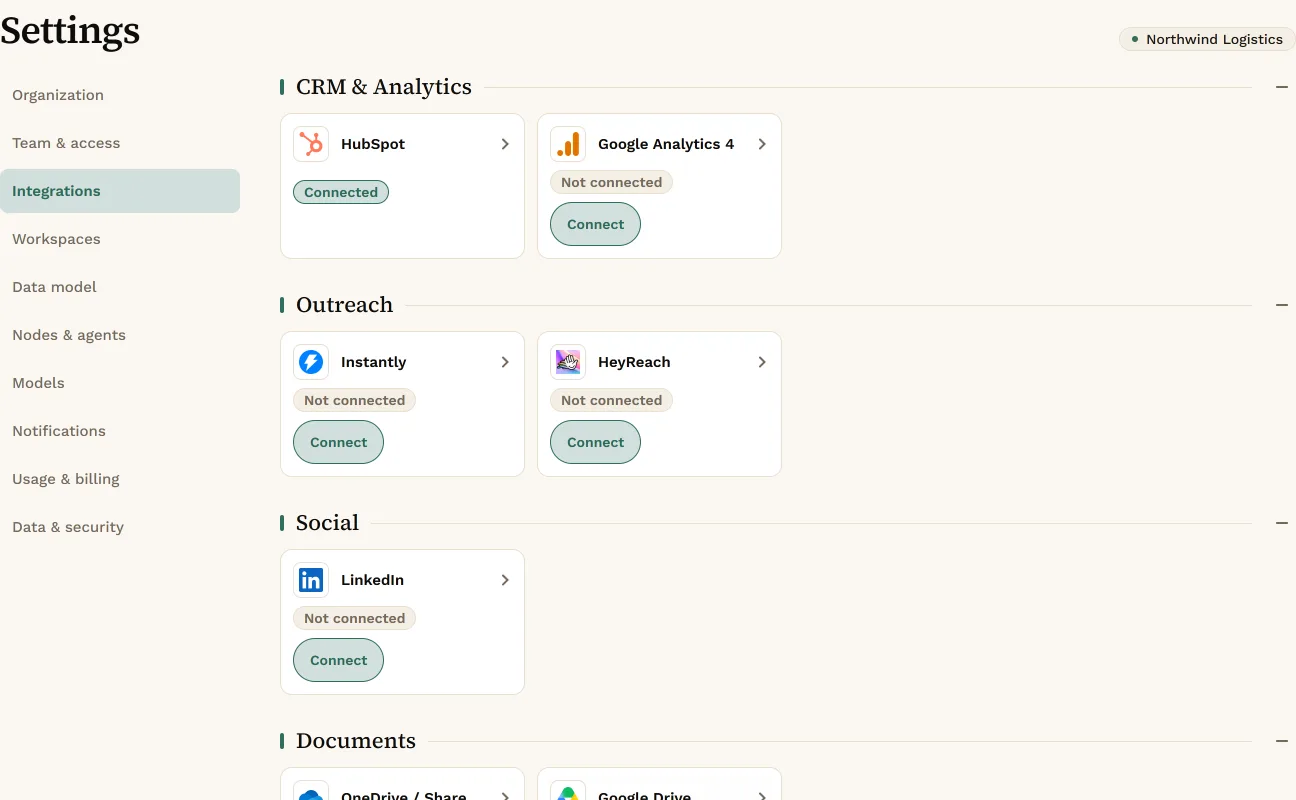
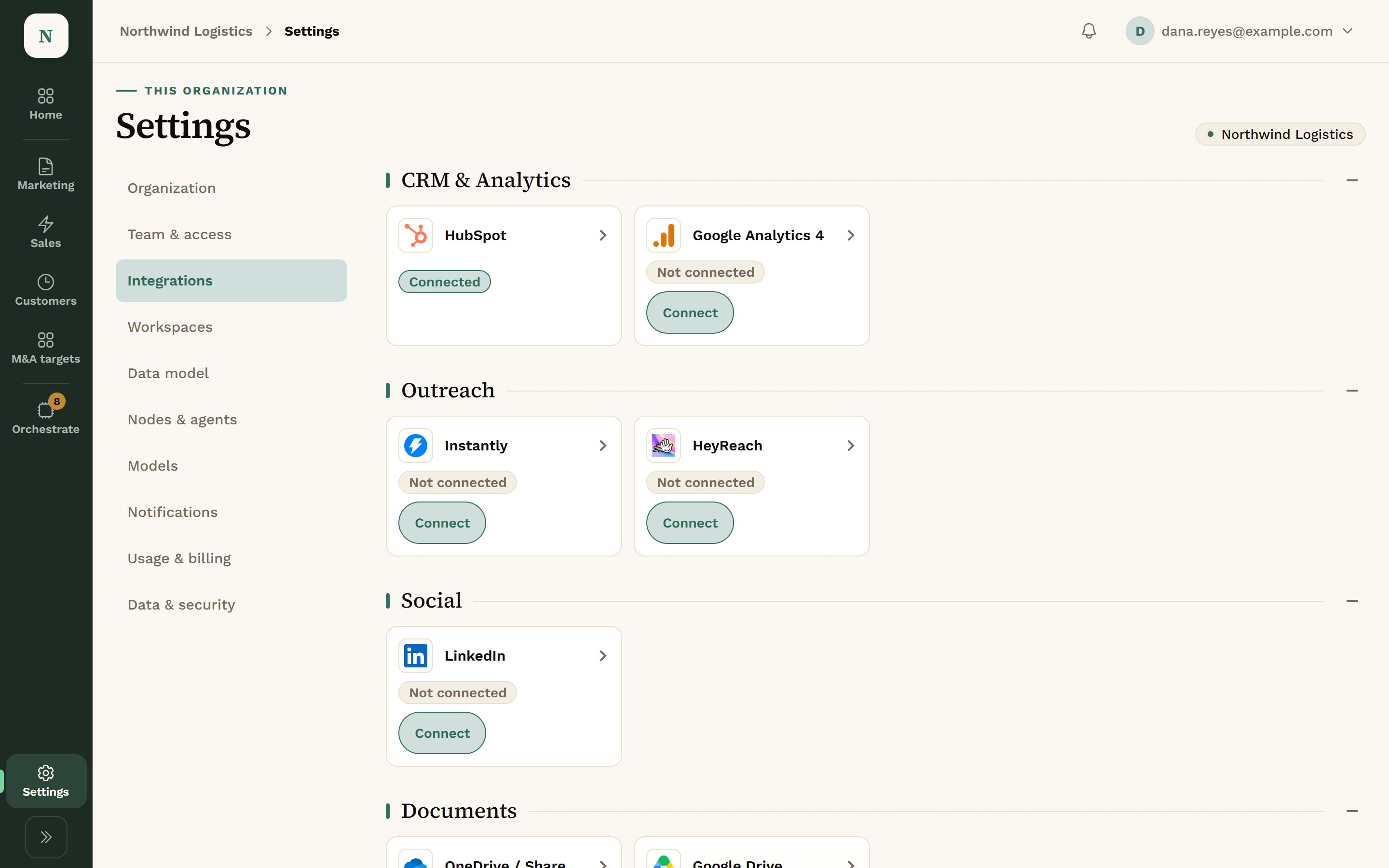
Connect them under Settings › Integrations.
HubSpotDeals, contacts, companies, tasks, notes, properties and workflows. Blog drafts and AEO data for Marketing.reads · writes after approval
Google Analytics 4Site traffic for Marketing.reads
InstantlyEmail campaigns and their results, synced into Sales.syncs
HeyReachLinkedIn campaigns and their results, synced into Sales.syncs
LinkedInCompany page posts, through a scheduling partner.posts after approval
Slack or Microsoft TeamsAlerts and notifications when something needs a person.notifies
OneDrive, SharePoint or Google DriveDocuments attached to Workspace records.reads
GranolaCall notes for briefs, follow-ups and call triage.reads
Your own ClaudeWorks in Konsil over MCP with a scoped key. It can also log mail summaries from your inbox, with the sender’s domain only.MCP
Your own toolsYour company’s MCP servers and web addresses you approve. Each tool is approved one by one, and read-only.reads
Product names belong to their owners. Konsil is not affiliated with or endorsed by them.
One Place to Connect Them.
Models.
A Workspace can run on Konsil-managed Anthropic, your own key, or another provider.
- Konsil-managed Anthropic
- Your own Anthropic key
- OpenAI
- An OpenAI-compatible server
Questions About Integrations.
Does Konsil read our email?
Not directly. If you connect your own Claude, it can log a summary and the sender’s domain, never the message or the address.
Do we have to leave Instantly or HeyReach?
No. Campaigns keep running there. Konsil syncs them in.
Can we connect our own tools?
Yes, through your company’s MCP servers or web addresses you approve. Each tool is approved one by one and is read-only.
More of the Console.
Get Early Access.
We set up each company by hand, so places open a few at a time.